Objects are pictures, charts, worksheets, and other elements typically created by other applications. Word is supplied with several add-in applications, two of which are described here—WordArt and the Equation Editor. In addition, this section shows you how to access Microsoft Excel worksheets from within Word, as well as Paintbrush pictures.
To use WordArt and Equation Editor, they must have been selected when you first ran Word (or Microsoft Office 2000) Setup. Otherwise, run Setup and add them now if you want to learn how to use them. Once installed, they are accessed by using the Insert / Object menu selection. (You can also access WordArt from the WordArt and Drawing toolbars.)
WordArt
The WordArt program is used to create, insert, and edit fancy type in your documents. WordArt adds additional display-style type fonts that are ideal for brochures, fliers, and even presentations. With WordArt, you can create vertical, slanted, and curved text for eye-catching headings and banners.
WordArt is started from an open Word document using Insert / Object and then picking Microsoft WordArt 3.2 from a displayed list of objects. You’ll see other types of objects that are created and saved by other programs. These include drawings, charts, graphs, worksheets, macro sheets, documents, and even Paintbrush pictures. Word has the ability to convert these objects and use them in your Word documents.
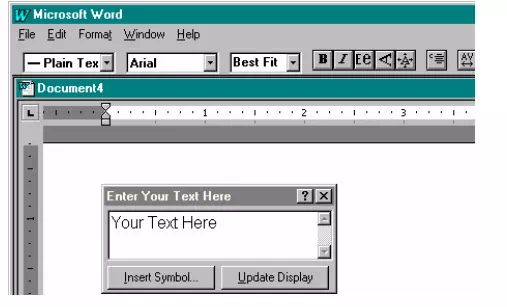
When Microsoft WordArt 3.2 is selected, the full WordArt editing screen is displayed.
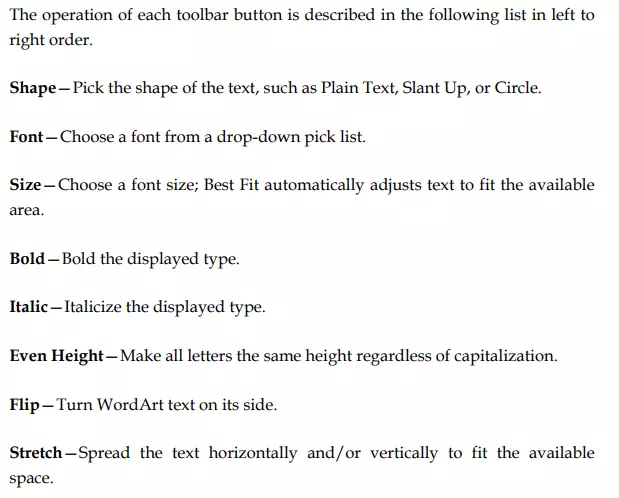
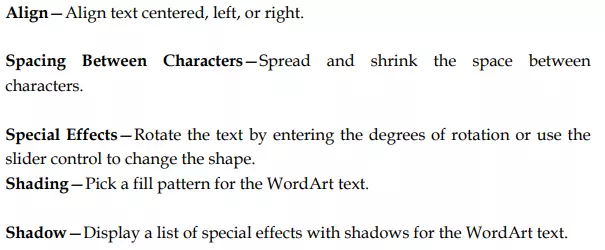
Here, you enter or edit text in the Enter Your Text Here dialog box. Use the WordArt toolbar to achieve a number of special effects.