- Table of Contents
- Key Takeaways
- What Is an AI Agent?
- Agents vs Automation vs Chatbots
- How AI Agents Work (Simple Architecture)
- 1) The model (LLM)
- 2) Tools (actions the agent can take)
- 3) Memory (optional, but common)
- 4) Planning (explicit or implicit)
- 5) Orchestration (the runtime)
- What Agents Do Well (Real Workflows)
- Workflow 1: Research → Synthesis → Action
- Workflow 2: Support triage + drafting
- Workflow 3: “Ops copilots” (internal tasks)
- Workflow 4: Coding assistants that actually do work
- Workflow 5: Document-heavy work (RAG + tools)
- Where the Hype Comes From
- 1) The “perfect environment” illusion
- 2) The “autonomy” illusion
- 3) The “intelligence = reliability” illusion
- Common Failure Modes (And Why They Happen)
- 1) Wrong tool choice
- 2) Looping / thrashing
- 3) Hallucinated assumptions
- 4) Hidden costs
- 5) Tool output poisoning
- Safety, Security & Guardrails
- How to Evaluate an “Agent” Product (Anti-Hype Scorecard)
- 1) What tools can it actually use?
- 2) Is there a clear stop condition?
- 3) What’s the reliability story?
- 4) How do permissions and approvals work?
- 5) Can you inspect what happened?
- 6) Where does your data go?
- A Practical Build/Deploy Playbook (Start Small, Win Big)
- Step 1: Pick one narrow workflow
- Step 2: Make outputs structured
- Step 3: Add one tool at a time
- Step 4: Put guardrails in the runtime
- Step 5: Evaluate with real examples
- Step 6: Hybridize
- FAQ
- Are AI agents the same as “AI assistants”?
- Can AI agents run completely autonomously?
- Do multi-agent systems outperform single agents?
- What’s the difference between “ReAct” and tool calling?
- Do agents reduce hallucinations?
- What’s one “green flag” for a serious agent product?
- Best Artificial Intelligence Apps on Play Store 🚀
- References & Further Reading

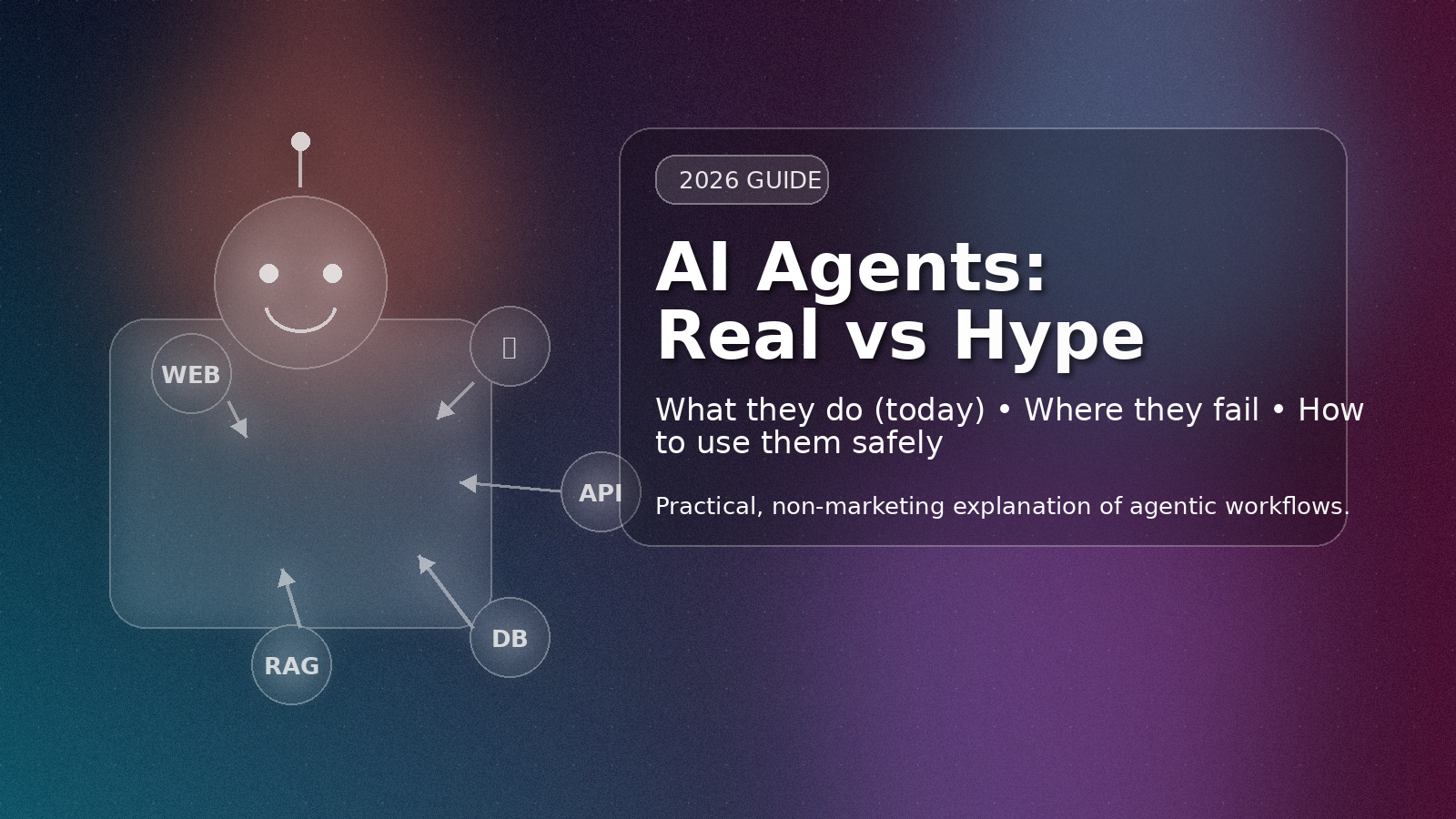
AI “agents” are everywhere right now—demos, startup decks, product updates, and bold claims like “replace entire teams” or “fully automate your business.” Some of it is real progress. A lot of it is marketing compression.
This post gives you a clear, practical definition of AI agents, the real workflows they can run today, and the failure modes that create most of the hype. You’ll leave with a simple mental model, a checklist to evaluate agent products, and a safe way to deploy agents without turning your systems into chaos machines.
Key Takeaways
- An AI agent is an LLM-driven loop that chooses actions (tools/APIs) step-by-step to reach a goal—not magic autonomy.
- Agents shine in messy, multi-step work (research + summarise + create tickets + draft emails) where rules alone are brittle.
- Agents fail in predictable ways: wrong tool choice, looping, hallucinated assumptions, permission mistakes, brittle web/UI actions.
- The safest “agent” is often a hybrid: deterministic workflow + agent only where judgment is needed.
- Production agents need guardrails: budgets, approvals, audit logs, sandboxing, and evaluation—otherwise they’re expensive guessers.
What Is an AI Agent?
Plain-English definition: An AI agent is software that uses a language model to decide what to do next, often by calling tools (search, database, code, APIs), and repeating that loop until it reaches a goal or hits a stop condition.
That’s it. No mysticism required.
A typical agent loop looks like:
- Observe: read the user request and current state (messages, files, logs).
- Plan: decide a short plan (sometimes explicit, sometimes implicit).
- Act: call a tool (API/function), fetch data, run code, update a ticket, etc.
- Reflect: incorporate the tool result and decide the next step.
- Stop: produce final output when done, or stop on limits (time, budget, iterations).
Modern APIs make this possible via tool calling / function calling, where the model can return a structured request to call a tool (like “search_web(query=…)” or “create_ticket(…)”) instead of just generating text.
Next: how agents differ from automation and chatbots →
Agents vs Automation vs Chatbots
1) Chatbot (conversation only)
A chatbot responds in text. It might be helpful, but it can’t reliably do things in your systems unless integrated with tools.
2) Automation (rules-first)
Automation is “if X, then do Y.” It’s deterministic and reliable, but brittle when reality gets messy. Example: “If invoice is overdue by 7 days, send reminder email.”
3) Agent (judgment + tools)
An agent is used when you want software to handle ambiguity and multiple steps. Example: “Find why customers are churning, summarise themes, and create Jira tickets with suggested fixes.”
Key difference: automation follows a fixed recipe; agents choose steps dynamically.
How AI Agents Work (Simple Architecture)
Most “agent systems” are variations of the same building blocks:
1) The model (LLM)
This is the decision-maker. It reads context and decides the next action or final response.
2) Tools (actions the agent can take)
Tools can be anything—from calling your database to sending an email to executing code. Tool calling is the backbone of serious agentic systems.
- OpenAI function/tool calling: OpenAI docs
- OpenAI overview article: Help center explanation
- Anthropic tool use: Claude tool use overview
3) Memory (optional, but common)
Memory can mean “store key facts about the task,” “keep a scratchpad,” or “persist summaries across sessions.” In production, memory is usually tightly controlled to avoid leaking or reinforcing bad assumptions.
4) Planning (explicit or implicit)
Some agents create a plan (“Step 1… Step 2…”). Others just act. Planning helps with complex tasks—but it can also create confident-looking nonsense if the agent’s assumptions are wrong.
5) Orchestration (the runtime)
The orchestration layer enforces limits: max steps, cost budget, tool permissions, retries, logging, and human approval points. Frameworks like these exist to help:
- LangChain Agents: Agents docs
- LangChain multi-agent patterns: Multi-agent docs
- LlamaIndex Agents: Agents guide
- Microsoft AutoGen: GitHub
What Agents Do Well (Real Workflows)
If you want “real vs hype,” focus on where agents already win: multi-step knowledge work that mixes reading, deciding, and acting across tools.
Workflow 1: Research → Synthesis → Action
Example: “Track competitor pricing changes weekly, summarise what changed, and open tasks for the team.”
Agent steps might include web search, extracting structured data, comparing to last week’s snapshot, and creating tickets. This is far beyond a simple chatbot, but very doable with tool-calling + constraints.
Workflow 2: Support triage + drafting
Example: “Read incoming support tickets, detect urgency, route to the right queue, and draft a response.”
Humans still approve the final send, but the agent saves massive time by classifying, summarising, and drafting.
Workflow 3: “Ops copilots” (internal tasks)
Example: “Check yesterday’s error logs, find anomalies, and propose likely causes.”
An agent can call log APIs, run queries, and produce a human-readable incident summary.
Workflow 4: Coding assistants that actually do work
Modern “coding agents” can do more than chat: they can run tests, open PRs, and iterate—especially in a sandboxed environment. The value comes from tight feedback loops (tests/linters) and bounded scope.
Workflow 5: Document-heavy work (RAG + tools)
Example: “Read these policies + recent changes, and generate a compliant checklist for this customer.”
This is where agentic systems often combine retrieval (RAG) and tool calls to reference the right sources and then generate structured outputs.
Now: why people overestimate agents →
Where the Hype Comes From
Most hype comes from confusing a compelling demo with a reliable system. Three common “demo illusions”:
1) The “perfect environment” illusion
In demos, data is clean, tools behave, and edge cases are absent. In reality, APIs fail, web pages change, permissions are messy, and user intent is unclear.
2) The “autonomy” illusion
People hear “agent” and imagine a self-directed worker. But most agents are bounded loops with limited context and tools. They don’t “understand your business” unless you provide the right data, guardrails, and evaluation.
3) The “intelligence = reliability” illusion
LLMs can be brilliant at language and still unreliable at operational correctness. Agents amplify this because they don’t just say things—they can do things (create tickets, move money, delete files) if you let them.
Common Failure Modes (And Why They Happen)
1) Wrong tool choice
The agent calls the wrong API or uses the right API with wrong parameters. This is why clear tool descriptions matter (and why “too many tools” can reduce accuracy).
- Anthropic guidance on writing tools: Writing tools for agents
- Claude tool implementation tips: Implement tool use
2) Looping / thrashing
Agents can get stuck repeating similar actions (“search again,” “try again”) because they lack a strong stop condition or are chasing an impossible goal.
3) Hallucinated assumptions
An agent might assume a record exists, a user approved something, or a field name is correct—and then it acts on that assumption. This is why high-risk actions must require confirmations.
4) Hidden costs
Agent loops can burn tokens (and time) quickly—especially multi-agent systems. A “free” workflow in a demo can become expensive at scale without budgets and caps.
5) Tool output poisoning
If tools return untrusted text (like web pages), an agent can be manipulated into unsafe actions. This is why you need filtering, allowlists, and strict schemas.
Safety, Security & Guardrails
If you only remember one thing: agents are not “just chat.” They are decision loops with actions. Treat them like automation that can make mistakes.
Guardrail checklist (practical)
- Least privilege: tools should do the minimum necessary (read-only where possible).
- Budgets: max steps, max cost, max time per run.
- Human approval gates: required for destructive actions (delete, send, purchase, publish).
- Sandboxing: run code and file operations in isolated environments.
- Audit logs: record tool calls + outputs + decisions for debugging and compliance.
- Deterministic fallbacks: when the agent is uncertain, hand off to a rule-based workflow.
Cloud providers and platforms increasingly document tool-use patterns because this is now core to production safety:
- AWS Bedrock tool use notes (Anthropic models): AWS docs
- Azure OpenAI function calling: Microsoft docs
How to Evaluate an “Agent” Product (Anti-Hype Scorecard)
When a tool claims “AI agents,” ask these questions:
1) What tools can it actually use?
Does it integrate with real systems (Jira, Slack, GitHub, DBs), or is it mostly “chat with a nice UI”?
2) Is there a clear stop condition?
Does it have step limits, budgets, and timeouts, or does it run until it “feels done”?
3) What’s the reliability story?
Do they provide evals, benchmarks, or at least a test harness? If not, you’re buying a demo, not a system.
4) How do permissions and approvals work?
Can you require human review before sending emails, publishing posts, or making changes?
5) Can you inspect what happened?
Do you get logs of tool calls and intermediate steps? Without observability, debugging agents is painful.
6) Where does your data go?
What is stored, for how long, and how is it protected? This matters even more when agents can read internal documents.
A Practical Build/Deploy Playbook (Start Small, Win Big)
Step 1: Pick one narrow workflow
Choose a task that’s valuable but not catastrophic if it fails. Example: “Summarise weekly support themes and propose tags.”
Step 2: Make outputs structured
Instead of “write a summary,” require JSON fields: categories, counts, confidence, suggested actions. This makes evaluation possible.
Step 3: Add one tool at a time
Start with read-only tools (search, database reads). Then add write tools (create ticket). Finally consider “danger tools” (send email, publish) behind approvals.
Step 4: Put guardrails in the runtime
Budgets, step caps, and approvals should be enforced by the orchestration layer, not “politely asked” in a prompt.
Step 5: Evaluate with real examples
Run the agent on historical tasks. Compare output to what humans actually did. Track failure types (wrong tool, wrong conclusion, missing data).
Step 6: Hybridize
The most successful teams don’t go “all-agent.” They build workflow-first systems with agentic decision points only where needed.
Frameworks and docs to explore if you’re building:
- OpenAI Assistants function calling: Assistants tools
- Microsoft Agent Framework overview: Agent Framework
- AutoGen docs: AutoGen site
FAQ
Are AI agents the same as “AI assistants”?
Not always. An assistant can be chat-only. An agent usually implies tool use + multi-step execution toward a goal.
Can AI agents run completely autonomously?
They can run without a human in the loop for low-risk tasks. For high-risk tasks (money, publishing, deleting, security), autonomy without approvals is usually reckless.
Do multi-agent systems outperform single agents?
Sometimes—but they can also increase cost and complexity. Multi-agent setups shine when tasks can be decomposed cleanly (researcher + planner + executor), but they can also amplify looping and coordination failures.
What’s the difference between “ReAct” and tool calling?
ReAct is a pattern where the model interleaves reasoning and acting. Tool calling is the mechanism that lets models request tools in structured ways. They often work together.
- ReAct paper: arXiv
Do agents reduce hallucinations?
Tool use can reduce hallucinations if the agent actually checks sources and you force citations/structured evidence. But agents can still hallucinate interpretations, tool parameters, and next steps.
What’s one “green flag” for a serious agent product?
Observability + controls. If you can see tool calls, enforce budgets, require approvals, and run evals, it’s likely built for reality—not just demos.
Best Artificial Intelligence Apps on Play Store 🚀
Learn AI from fundamentals to modern Generative AI tools — pick the Free version to start fast, or unlock the full Pro experience (one-time purchase, lifetime access).

AI Basics → Advanced
Artificial Intelligence (Free)
A refreshing, motivating tour of Artificial Intelligence — learn core concepts, explore modern AI ideas, and use built-in AI features like image generation and chat.
More details
► The app provides a refreshing and motivating synthesis of AI — taking you on a complete tour of this intriguing world.
► Learn how to build/program computers to do what minds can do.
► Generate images using AI models inside the app.
► Clear doubts and enhance learning with the built-in AI Chat feature.
► Access newly introduced Generative AI tools to boost productivity.
- Artificial Intelligence- Introduction
- Philosophy of AI
- Goals of AI
- What Contributes to AI?
- Programming Without and With AI
- What is AI Technique?
- Applications of AI
- History of AI
- What is Intelligence?
- Types of Intelligence
- What is Intelligence Composed of?
- Difference between Human and Machine Intelligence
- Artificial Intelligence – Research Areas
- Working of Speech and Voice Recognition Systems
- Real Life Applications of AI Research Areas
- Task Classification of AI
- What are Agent and Environment?
- Agent Terminology
- Rationality
- What is Ideal Rational Agent?
- The Structure of Intelligent Agents
- Nature of Environments
- Properties of Environment
- AI – Popular Search Algorithms
- Search Terminology
- Brute-Force Search Strategies
- Comparison of Various Algorithms Complexities
- Informed (Heuristic) Search Strategies
- Local Search Algorithms
- Simulated Annealing
- Travelling Salesman Problem
- Fuzzy Logic Systems
- Fuzzy Logic Systems Architecture
- Example of a Fuzzy Logic System
- Application Areas of Fuzzy Logic
- Advantages of FLSs
- Disadvantages of FLSs
- Natural Language Processing
- Components of NLP
- Difficulties in NLU
- NLP Terminology
- Steps in NLP
- Implementation Aspects of Syntactic Analysis
- Top-Down Parser
- Expert Systems
- Knowledge Base
- Inference Engine
- User Interface
- Expert Systems Limitations
- Applications of Expert System
- Expert System Technology
- Development of Expert Systems: General Steps
- Benefits of Expert Systems
- Robotics
- Difference in Robot System and Other AI Program
- Robot Locomotion
- Components of a Robot
- Computer Vision
- Application Domains of Computer Vision
- Applications of Robotics
- Neural Networks
- Types of Artificial Neural Networks
- Working of ANNs
- Machine Learning in ANNs
- Bayesian Networks (BN)
- Building a Bayesian Network
- Applications of Neural Networks
- AI – Issues
- A I- Terminology
- Intelligent System for Controlling a Three-Phase Active Filter
- Comparison Study of AI-based Methods in Wind Energy
- Fuzzy Logic Control of Switched Reluctance Motor Drives
- Advantages of Fuzzy Control While Dealing with Complex/Unknown Model Dynamics: A Quadcopter Example
- Retrieval of Optical Constant and Particle Size Distribution of Particulate Media Using the PSO-Based Neural Network Algorithm
- A Novel Artificial Organic Controller with Hermite Optical Flow Feedback for Mobile Robot Navigation
Tip: Start with Free to build a base, then upgrade to Pro when you want projects, tools, and an ad-free experience.

One-time • Lifetime Access
Artificial Intelligence Pro
Your all-in-one AI learning powerhouse — comprehensive content, 30 hands-on projects, 33 productivity AI tools, 100 image generations/day, and a clean ad-free experience.
More details
Unlock your full potential in Artificial Intelligence! Artificial Intelligence Pro is packed with comprehensive content,
powerful features, and a clean ad-free experience — available with a one-time purchase and lifetime access.
- Machine Learning (ML), Deep Learning (DL), ANN
- Natural Language Processing (NLP), Expert Systems
- Fuzzy Logic Systems, Object Detection, Robotics
- TensorFlow framework and more
Pro features
- 500+ curated Q&A entries
- 33 AI tools for productivity
- 30 hands-on AI projects
- 100 AI image generations per day
- Ad-free learning environment
- Take notes within the app
- Save articles as PDF
- AI library insights + AI field news via linked blog
- Light/Dark mode + priority support
- Lifetime access (one-time purchase)
Compared to Free
- 5× more Q&As
- 3× more project modules
- 10× more image generations
- PDF + note-taking features
- No ads, ever • Free updates forever
Buy once. Learn forever. Perfect for students, developers, and tech enthusiasts who want to learn, build, and stay updated in AI.
References & Further Reading
- OpenAI Function Calling Guide: platform.openai.com
- OpenAI Help — Function Calling: help.openai.com
- OpenAI Assistants — Function Calling: platform.openai.com
- Anthropic — Tool Use Overview: platform.claude.com
- Anthropic — Advanced Tool Use (engineering): anthropic.com
- Anthropic — Writing Tools for Agents: anthropic.com
- LangChain Agents Docs: docs.langchain.com
- LangChain Multi-Agent Patterns: docs.langchain.com
- LlamaIndex Agents: developers.llamaindex.ai
- Microsoft AutoGen (GitHub): github.com
- Microsoft Agent Framework Overview: learn.microsoft.com
- Azure OpenAI — Function Calling: learn.microsoft.com
- ReAct paper (Yao et al., 2022): arXiv
- Toolformer paper (Schick et al., 2023): arXiv
- AutoGPT (open-source agent platform): github.com
- AWS Bedrock — Tool Use Notes: docs.aws.amazon.com