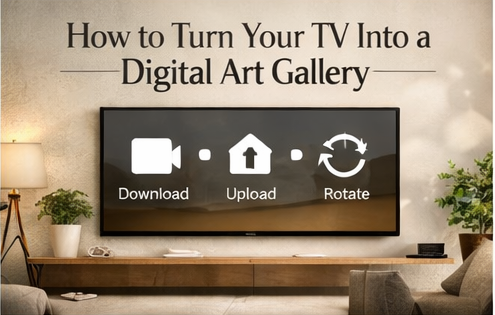
This guide is the fastest way to make your TV look like decor instead of hardware. The goal: upload a curated set, enable rotation, and keep your space feeling intentionally styled.
Contents
What you need
- A Frame TV or smart TV with Ambient Mode / screensaver upload
- High-resolution art designed for 16:9 screens
- A simple organization plan (folders/themes)
Shortcut: Start with a variety pack (minimal, abstract, landscapes, vintage, neutrals) so you can curate quickly.
Step-by-step setup
- Download: After purchase, download your files (instant access once payment is confirmed).
- Choose upload method: USB drive or TV/app upload workflow.
- Upload a starter set: Begin with 20–40 images that match your room.
- Enable rotation: Use Ambient Mode/screen rotation settings so the visuals change automatically.
How to curate a “gallery set”
- Pick 10 “neutral safe” visuals you’ll never get tired of.
- Add 5–10 abstracts (soft + bold) for variety.
- Add 5–10 landscapes for warmth and depth.
- Add a small seasonal folder you swap monthly or quarterly.
Keep it fresh (without extra work)
Once you have folders, the system runs itself. Every month, swap 5–10 images. That’s enough to make the whole room feel updated.
FAQ
Do I need special file formats?
No—common formats like JPG/PNG are typically the easiest for TVs and digital frames.
Is this a physical product?
No, it’s a digital download.
Can I use the files commercially?
Usually personal use only unless the listing explicitly offers commercial licensing.
Result: In under an hour, your TV can feel like a rotating art wall that upgrades your entire space.