
If you create content consistently—blogs, social posts, ads, thumbnails, landing pages—your biggest bottleneck is rarely “ideas.” It’s finding the right visuals fast, in a style that stays consistent across your brand.
That’s why serious creators build a “content library”: a large, organized stock photo bank so you can produce faster, publish more, and look more professional without a daily image hunt. This post explains how to use a large bundle efficiently—and how to decide if it fits your workflow.
What problem this solves
- Time waste: endless searching for a usable photo per post.
- Inconsistent look: random visuals weaken brand trust.
- Slow production: content batching becomes harder without assets ready.
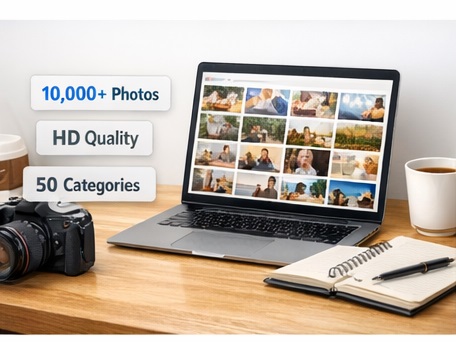
Quick access: Get a large HD stock photo library organized across multiple categories for creators and marketers.
How to set up a creator-grade photo library (30 minutes)
- Create a master folder: “Stock Library.”
- Keep categories intact: do not rename everything—use the structure for speed.
- Add “use-case” folders: Blog Headers, Instagram, Pinterest, Ads, Thumbnails.
- Make a Favorites folder: your top 50–100 brand-safe images.
Best use cases
- Monthly content calendars and batching sessions
- Social media scheduling (Instagram, Facebook, Pinterest)
- Website banners, hero images, and landing pages
- Ad creatives and promo graphics
License note (important)
Use photos to create finished marketing assets (web, social, ads, websites, and many print use cases). Avoid reselling, sharing, or redistributing the photos as a standalone stock pack.
Bottom line
If you publish frequently, a big organized library is not a “nice-to-have”—it’s a production advantage. Build once, reuse forever, and create at the speed your ideas deserve.
Shortcut: Start your library today and stop searching tomorrow.