Memory unit is:
● the amount of data that can be stored in the storage unit.
● that in which storage capacity is expressed in terms of Bytes.
Following are the main memory storage units:
| Sr.No. | Unit | Description |
| 1 | Bit (Binary Digit) | A binary digit is logical 0 and 1 representing a passive or an active state of a component in an electric circuit. |
| 2 | Nibble | A group of 4 bits is called nibble. |
| 3 | Byte | A group of 8 bits is called byte. A byte is the smallest unit which can represent a data item or a character. |
| 4 | Word | A computer word, like a byte, is a group of fixed number of bits processed as a unit which varies from computer to computer but is fixed for each computer.The length of a computer word is called word-size or word length and it may be as small as 8 bits or may be as long as 96 bits. A computer stores the information in the form of computer words. |
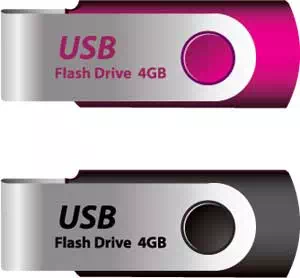
Few higher storage units are following
| Sr.No. | Unit | Description |
| 1 | Kilobyte (KB) | 1 KB = 1024 Bytes |
| 2 | Megabyte (MB) | 1 MB = 1024 KB |
| 3 | GigaByte (GB) | 1 GB = 1024 MB |
| 4 | TeraByte (TB | 1 TB = 1024 GB |
| 5 | PetaByte (PB) | 1 PB = 1024 TB |