Available fonts depend on the installed printer and Windows applications. If you are using Windows 95/98 with Microsoft TrueType fonts, you have a nice starter set. You can also install additional fonts by purchasing available font packs. Some applications, such as Microsoft Publisher and Corel Draw, add many new fonts to Windows. If you have a PostScript printer, you may have several built-in printer fonts. Regardless of the installed printer, a type style usually requires several fonts to round out an entire font family. For example, you may have a normal, bold, and italic font. Therefore, Times New Roman normal, bold, and italic count as three fonts.
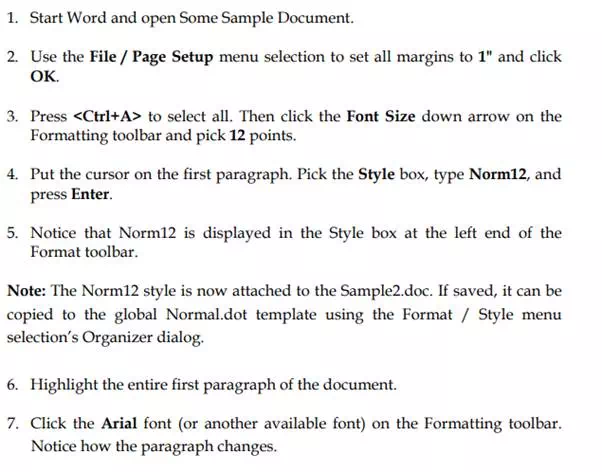
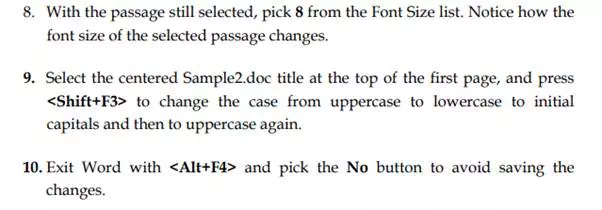
Fonts are changed by picking the font box and then pressing the Down Arrow to view a list of font names. Then pick the desired font name. You can type the first letter of a font, such as C, to move to the beginning of those fonts that start with the letter C. To change the font in an existing passage, simply highlight it and pick a new font name.
Font Sizes
Font sizes are increased or decreased using the Font Size box on the Formatting toolbar. The down arrow displays different numbers that correspond to point sizes (a point is 1/72 of an inch). You can pick a new size from the displayed list. You can also: