Working with Mail Merge
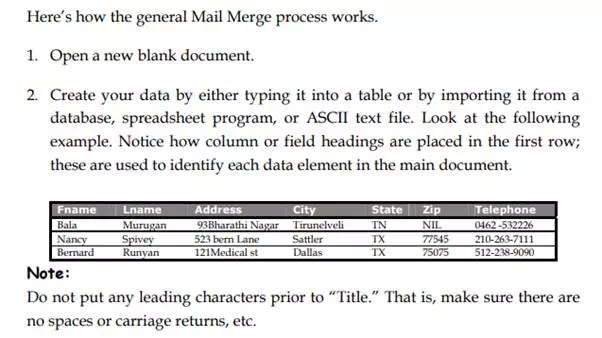
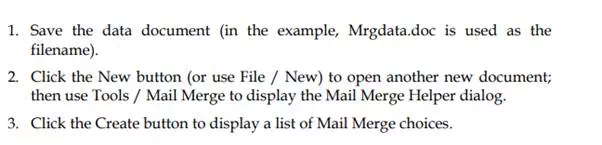
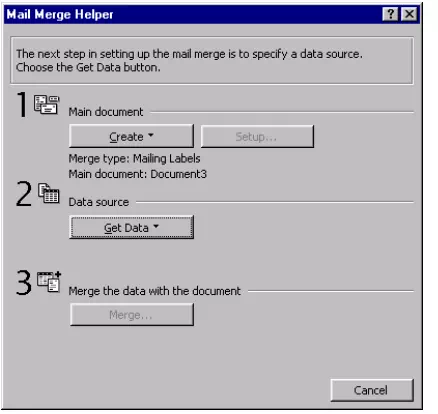
The Tools Mail Merge menu selection is used to merge a list of information, such as names, addresses, and phone numbers (called data or data source) into what is called a main document. The main document contains merge fields into which data is placed. The main document is created using the Mail Merge Helper dialog box. The data document can be a database file, a table with rows (records) and columns (fields), or a comma-delimited ASCII text file, in which each line represents a record and the commas are used to separate (or delimit) one field from another. You can also use the Address Book in Microsoft Outlook as a data resource.
Mail Merge Toolbar
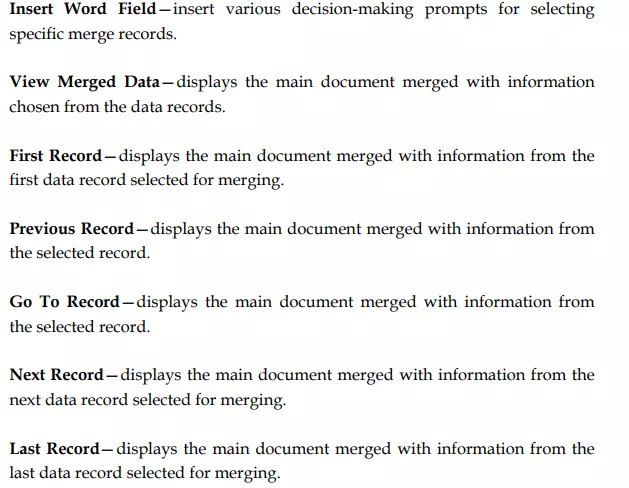
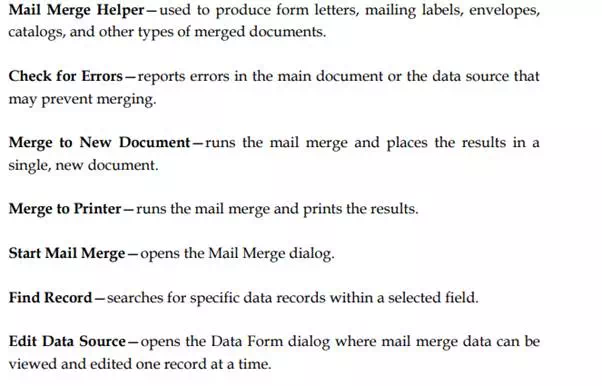
The Mail Merge toolbar contains the tools necessary to perform mail merge functions. Each tool is explained as follows:
Insert Merge Field—select data fields desired in merged heading