Microsoft Equation 3.0 (the Equation Editor)

Prabhu TL
1 Min Read
Disclosure: This website may contain affiliate links, which means I may earn a commission if you click on the link and make a purchase. I only recommend products or services that I personally use and believe will add value to my readers. Your support is appreciated!


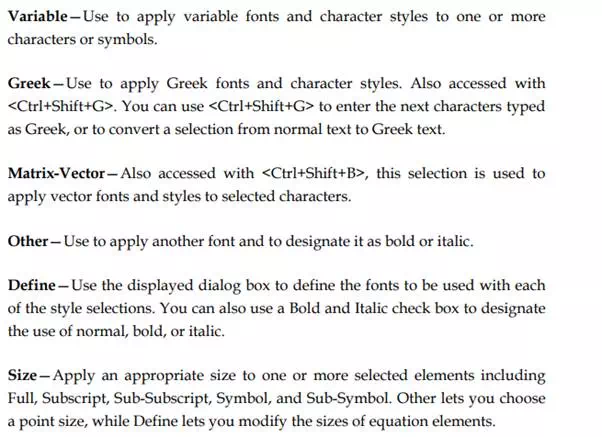
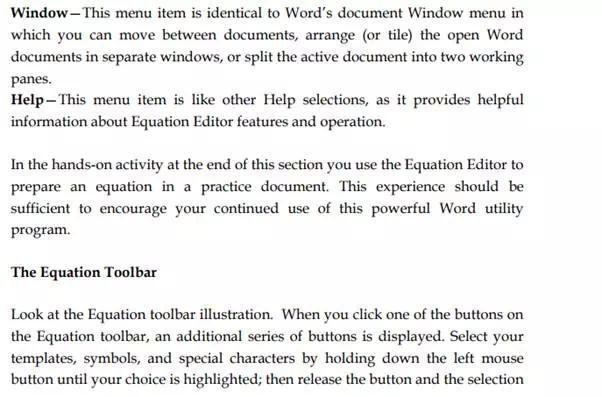
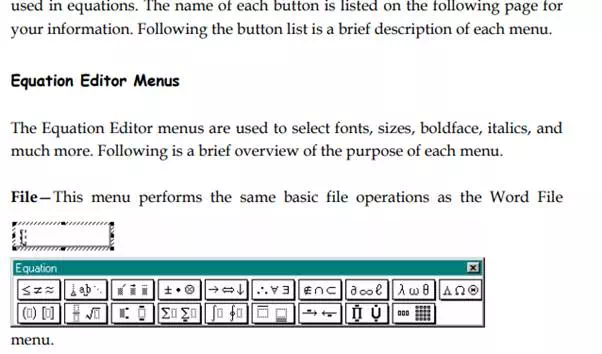
Like Microsoft WordArt 3.2, the built-in Equation Editor is also accessed using the Insert / Object menu selection. Pick Microsoft Equation 3.0 from the displayed list of application objects. Either double-click Microsoft Equation 3.0 or click OK to start the Equation Editor. When the Equation Editor is active, you see a screen similar to the following illustration.

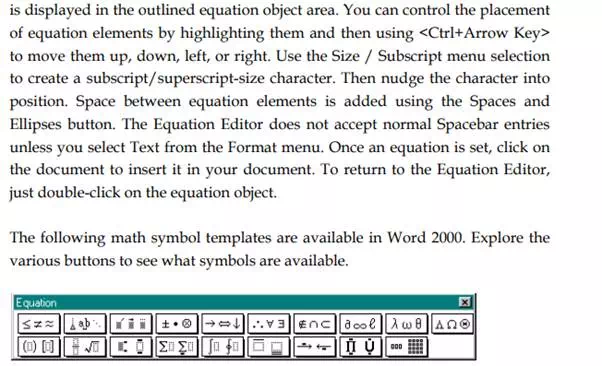
At this point you are ready to create an equation. Notice the Equation toolbar and the new menu items. The toolbar buttons are used to pick Greek and math symbols, equation fences (or boundaries), and a number of other items typically
Share This Article
Prabhu TL is a SenseCentral contributor covering digital products, entrepreneurship, and scalable online business systems. He focuses on turning ideas into repeatable processes—validation, positioning, marketing, and execution. His writing is known for simple frameworks, clear checklists, and real-world examples. When he’s not writing, he’s usually building new digital assets and experimenting with growth channels.
Leave a review