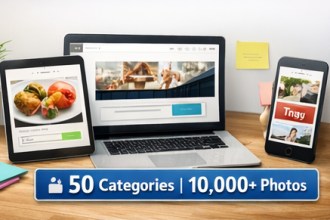
If you design in Canva (or similar tools), your output speed is limited by one thing: having enough good photos that match your style.
Contents
Why one bundle beats scattered downloads
- Less time hunting, more time creating
- Consistent look across all platforms
- Easy batching for campaigns and content calendars
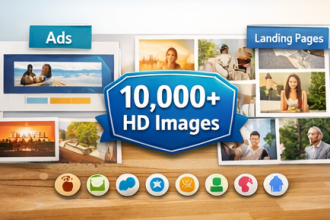
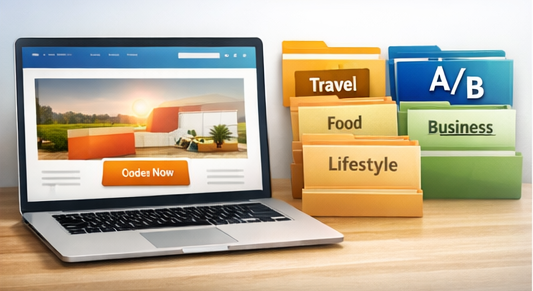
One library, many outputs: Category folders for social media, websites, ads, and blog graphics.
Simple Canva workflow (repeatable)
- Import 20 photos into a Canva folder called “This Month.”
- Create 5 templates: Quote, Promo, Carousel, Blog Header, Pin.
- Batch-export assets in your preferred sizes.
- Store finished designs by month for reuse.
Pro tip: maintain brand consistency
Pick a small visual style set (colors, lighting, framing) and reuse it. Consistency improves recognition, which improves clicks.
Get the bundle here and build your Canva workflow around a reliable photo bank.