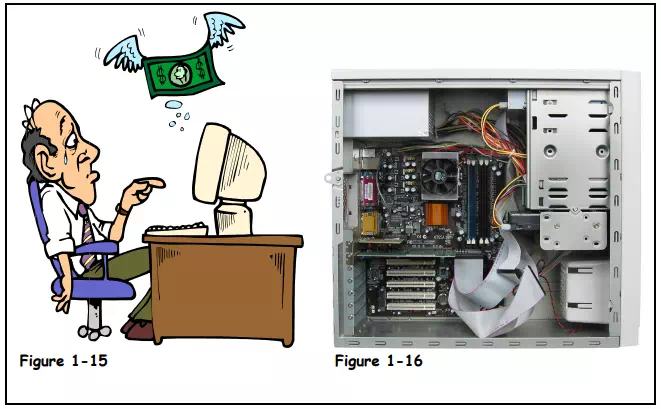
When you upgrade a computer, you usually replace older components with newer components to improve the computer’s performance. You can also upgrade a computer by adding additional components, such as more memory or a second hard drive. Upgrading a computer to improve its performance is often cheaper than buying a new computer. For most upgrades you will need someone with a lot of computer experience to do the upgrade for you.
It’s often difficult to determine which is better—upgrading an old computer or simply buying a new computer. If you’re an average computer user, plan on buying a new computer every four or five years (sorry—someone has to break this news to you). By then, the cost of a new computer will be less expensive than any effective upgrades you do.
So what can you do to upgrade a computer? The following table lists some of the more common upgrades.
Table 1-10: Typical Things to Upgrade on a Computer

Make sure any upgrades you make to a computer are worth the cost—sometimes it‘s simply better to buy a new computer.
Upgrades to Improve Performance Include:
ü Adding more memory or RAM
ü Adding a bigger hard drive
ü Adding a new CPU and motherboard (usually not recommended)
ü Adding new devices, such as a DVD drive