- Table of Contents
- What is 2FA (and how it differs from MFA)?
- The 3 authentication factors (the simple model)
- 2FA types: SMS vs app vs security key vs passkey
- 1) SMS codes (OTP over text)
- 2) Authenticator apps (TOTP codes)
- 3) Security keys (FIDO2/WebAuthn hardware keys)
- 4) Passkeys (modern, passwordless sign-in)
- Comparison table: which is safest?
- Common attacks and what they break
- 1) SIM swap (number hijacking)
- 2) Real-time phishing (“enter the code you just received”)
- 3) “MFA fatigue” (push-notification spam)
- 4) Account recovery takeover
- So… what should you use?
- Best overall (when available): Passkeys
- Best for highest-risk accounts: Security keys (plus a backup)
- Solid default: Authenticator app (TOTP)
- Last resort (still better than nothing): SMS
- Key Takeaways
- How to set up 2FA safely (without getting locked out)
- Step 1: Start with your “core” accounts
- Step 2: Add backups BEFORE you need them
- Step 3: Reduce “recovery” weak points
- Step 4: Learn the one phishing rule that saves you
- FAQs
- Is 2FA the same as a passkey?
- Is SMS 2FA safe enough?
- Are authenticator apps phishing-proof?
- What’s the safest option for my email account?
- What happens if I lose my phone and I used passkeys?
- Should I still use strong passwords if I have 2FA?
- References & further reading
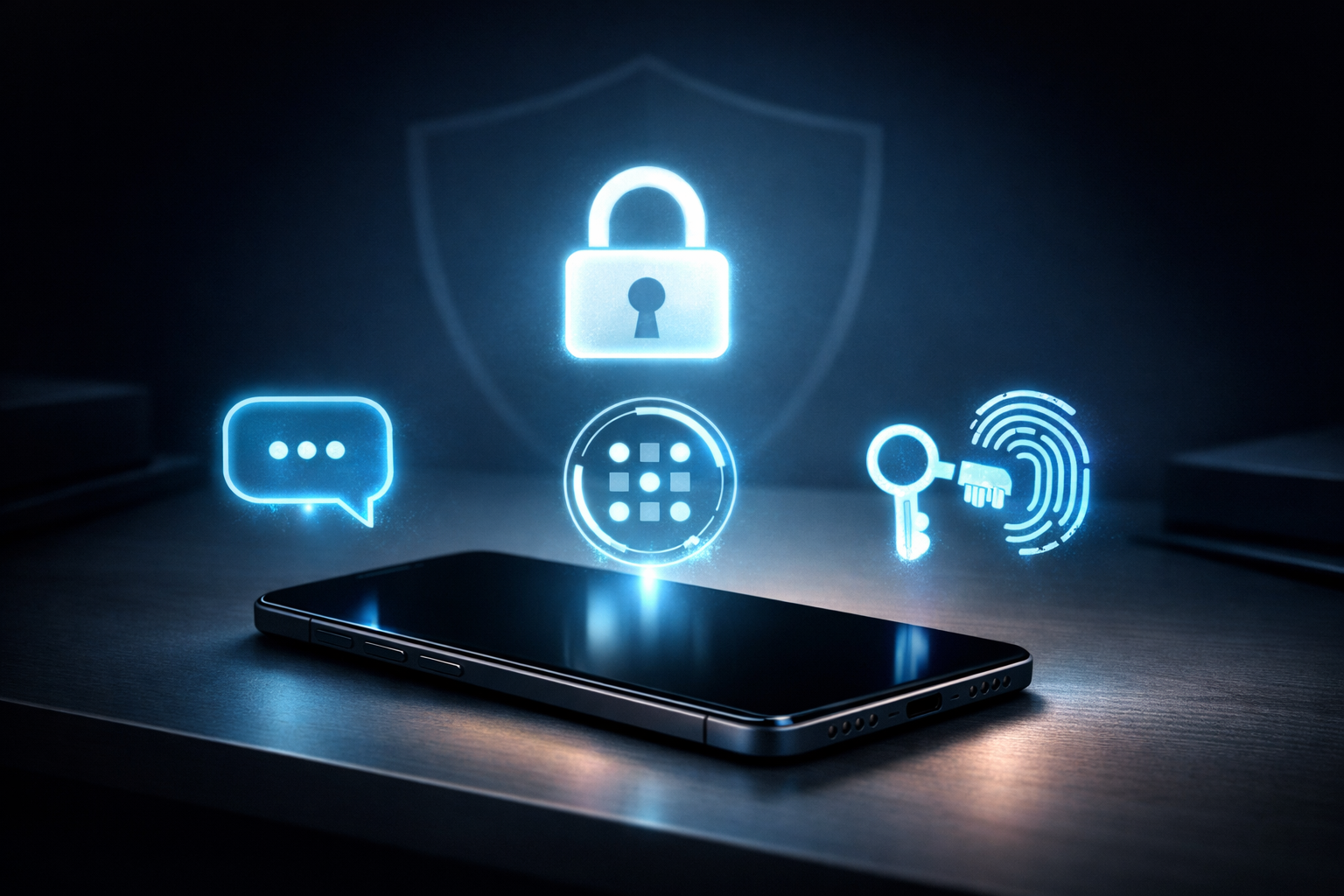
Two-factor authentication (2FA) is one of those security features everyone “knows” they should enable—yet many people still aren’t sure what type to pick.
Is an SMS code good enough? Is an authenticator app actually safer? And what exactly is a passkey—and why do security experts keep calling it “phishing-resistant”?
This guide breaks 2FA down in plain language, compares the real-world risks of each method, and gives you a simple decision framework so you can secure your accounts without making logins painful.
For official guidance, NIST’s Digital Identity Guidelines and CISA’s phishing-resistant MFA recommendations are great references. :contentReference[oaicite:0]{index=0}
What is 2FA (and how it differs from MFA)?
2FA means you log in with two different proofs of identity. Usually that’s:
- Something you know (password or PIN), plus
- Something you have (your phone, a hardware key), or something you are (biometric like fingerprint/face).
MFA (multi-factor authentication) is the bigger umbrella: it means two or more factors. In everyday conversation, people often say “2FA” even when they mean “MFA.”
OWASP’s MFA guidance is a solid baseline if you want the security best practices version. :contentReference[oaicite:1]{index=1}
Important nuance: some “2FA” methods are much safer than others. The safest options are those that are designed to be phishing-resistant—meaning they can’t be tricked into working on a fake login page. CISA strongly promotes phishing-resistant MFA (like FIDO2/WebAuthn). :contentReference[oaicite:2]{index=2}
The 3 authentication factors (the simple model)
Most practical account logins use these factors:
- Knowledge: password, PIN, answers to security questions (not recommended)
- Possession: your phone, SIM, authenticator app, hardware security key
- Inherence: fingerprint/Face ID (biometrics)
Great security is not just “more steps.” It’s using factors that attackers can’t easily intercept, clone, or trick you into handing over.
2FA types: SMS vs app vs security key vs passkey
1) SMS codes (OTP over text)
With SMS 2FA, you enter your password, then receive a one-time code by text message. It’s popular because it’s simple and works on almost any phone.
Pros:
- Easy to use
- Works without installing an app
- Good “step up” from password-only accounts
Cons (the important part):
- SIM-swap risk: attackers can hijack your phone number via the mobile carrier
- Interception risk: texts can be redirected or compromised depending on carrier controls
- Phishing risk: you can be tricked into typing the code into a fake site
NIST’s guidelines have historically warned about the weaknesses of SMS-based “out-of-band” methods, and modern security guidance increasingly treats SMS as a lower-assurance option compared to phishing-resistant authenticators. :contentReference[oaicite:3]{index=3}
2) Authenticator apps (TOTP codes)
Authenticator apps (like Google Authenticator, Microsoft Authenticator, Authy, 1Password, etc.) generate time-based one-time passwords (TOTP) locally on your device.
Pros:
- Not dependent on mobile carrier/SIM
- Works offline
- Generally stronger than SMS for most users
Cons:
- Still phishable: attackers can run real-time phishing pages and ask you for the current code
- Device loss can lock you out if you didn’t save backup codes
In short: authenticator apps are a major improvement over SMS, but they aren’t the “final boss” of security because a human can still be socially engineered into handing over a valid code.
3) Security keys (FIDO2/WebAuthn hardware keys)
A hardware security key (like a YubiKey or similar) uses FIDO2/WebAuthn standards. Instead of sending a code you can type into a phishing page, the key proves you’re on the legitimate site through cryptography and domain binding.
Pros:
- Phishing-resistant
- Very strong against account takeover
- No codes to type
Cons:
- Costs money, and you should ideally keep a backup key
- Some sites still don’t support it everywhere
CISA explicitly highlights WebAuthn/FIDO approaches for phishing-resistant MFA. :contentReference[oaicite:4]{index=4}
4) Passkeys (modern, passwordless sign-in)
A passkey is a newer login method built on WebAuthn/FIDO standards. It uses public-key cryptography and is typically unlocked by your device (PIN, fingerprint, face).
Passkeys are designed to be phishing-resistant because they’re bound to the real website/app.
The FIDO Alliance describes passkeys as phishing-resistant and built to reduce attacks like phishing and credential stuffing. :contentReference[oaicite:5]{index=5}
Major platforms now support passkeys (Apple, Google, Microsoft). :contentReference[oaicite:6]{index=6}
Pros:
- Phishing-resistant by design
- No password to reuse, guess, or leak
- Usually faster and simpler than codes
Cons:
- Not every service supports passkeys yet
- You need a recovery plan (device loss, ecosystem syncing, backup device)
Comparison table: which is safest?
| Method | Resists SIM-swap? | Resists phishing? | Works offline? | Best for | Overall safety |
|---|---|---|---|---|---|
| SMS OTP | No | No | Depends on signal | Low-risk accounts, quick upgrade | ★☆☆☆☆ |
| Authenticator app (TOTP) | Yes | Not fully | Yes | Most everyday accounts | ★★★☆☆ |
| Security key (FIDO2/WebAuthn) | Yes | Yes | Yes | Admins, crypto, email, high-value accounts | ★★★★★ |
| Passkey | Yes | Yes | Often yes (varies) | Best blend of safety + convenience | ★★★★★ |
If you only remember one thing: phishing resistance is the superpower. That’s why guidance from CISA and standards bodies pushes toward WebAuthn/FIDO options. :contentReference[oaicite:7]{index=7}
Common attacks and what they break
1) SIM swap (number hijacking)
Attackers convince or bribe a carrier into transferring your phone number to a new SIM. If your 2FA depends on SMS, they can receive your codes.
Authenticator apps, security keys, and passkeys largely avoid this risk because they don’t rely on your phone number.
2) Real-time phishing (“enter the code you just received”)
This is the sneakiest modern attack. A fake login page relays your password and your fresh OTP to the real site in real-time—so the attacker logs in instantly.
This can defeat SMS OTP and TOTP authenticator codes because both can be typed into a phishing page.
Passkeys and security keys are designed to stop this, because the authentication is tied to the legitimate domain/origin (WebAuthn). :contentReference[oaicite:8]{index=8}
3) “MFA fatigue” (push-notification spam)
Some systems send push notifications like “Approve sign-in?” Attackers repeatedly trigger login attempts hoping you’ll tap “Approve” out of annoyance or confusion.
If your service offers push-based approvals, enable “number matching” and be strict: approve only when you initiated the login.
4) Account recovery takeover
Many accounts get compromised through recovery: weak security questions, compromised email, or a phone number the attacker can take over.
Your email account is often the “master key” for everything else—secure it first with the strongest option available.
So… what should you use?
Here’s a practical, no-drama decision framework:
Best overall (when available): Passkeys
- If a service supports passkeys, enabling them is usually the best mix of security + convenience.
- Google, Apple, and Microsoft provide official guides for using passkeys. :contentReference[oaicite:9]{index=9}
Best for highest-risk accounts: Security keys (plus a backup)
- For your primary email, password manager, admin accounts, or anything financial: consider a hardware security key.
- CISA’s phishing-resistant MFA guidance strongly supports WebAuthn/FIDO approaches. :contentReference[oaicite:10]{index=10}
Solid default: Authenticator app (TOTP)
- If passkeys/security keys aren’t supported, use an authenticator app over SMS.
- It removes carrier risk and typically raises your security significantly.
Last resort (still better than nothing): SMS
- Use SMS only if it’s the only option available.
- If you must use SMS, lock down your carrier account (PIN/port-out protection) and watch for SIM swap warning signs.
Key Takeaways
- Passkeys and security keys are the safest mainstream options because they’re designed to be phishing-resistant. :contentReference[oaicite:11]{index=11}
- Authenticator apps (TOTP) are usually safer than SMS, but can still be defeated by real-time phishing.
- SMS OTP is better than passwords alone, but vulnerable to SIM swap and social engineering.
- Secure your email + password manager first—they can unlock everything else.
- Always set up backup methods (backup codes, secondary passkey device, or a spare security key).
How to set up 2FA safely (without getting locked out)
Step 1: Start with your “core” accounts
- Primary email
- Password manager
- Banking/financial apps
- Cloud storage
- Social accounts (because takeover scams are common)
Step 2: Add backups BEFORE you need them
- Save backup codes (print or store securely in a password manager)
- Add a second device passkey (where supported)
- If using security keys, register two keys (primary + backup)
Step 3: Reduce “recovery” weak points
- Remove old phone numbers you no longer control
- Update recovery email to one that is also strongly protected
- Turn on account alerts for new logins
Step 4: Learn the one phishing rule that saves you
Never enter a code (SMS or app) into a page you reached from a random link or urgent message.
If something feels off, manually type the website address or use a trusted bookmark.
FAQs
Is 2FA the same as a passkey?
Not exactly. 2FA usually means “password + something else.” A passkey can replace the password entirely while still requiring you to unlock your device (PIN/biometric), and it’s designed to resist phishing. :contentReference[oaicite:12]{index=12}
Is SMS 2FA safe enough?
SMS is better than password-only logins, but it’s one of the weakest 2FA methods due to SIM-swap and phishing risks. If an authenticator app or passkey is available, prefer those. :contentReference[oaicite:13]{index=13}
Are authenticator apps phishing-proof?
No. They’re typically safer than SMS, but real-time phishing attacks can still trick users into handing over valid codes. Phishing-resistant methods (WebAuthn/FIDO) are better for high-risk accounts. :contentReference[oaicite:14]{index=14}
What’s the safest option for my email account?
If possible: passkeys or a security key (plus a backup). Email is often the recovery channel for everything else, so secure it first. :contentReference[oaicite:15]{index=15}
What happens if I lose my phone and I used passkeys?
It depends on how your passkeys are stored and synced (platform keychain, password manager, or device-only). The best practice is to have a backup: another signed-in device, a second passkey, or recovery codes where offered. Apple/Google/Microsoft provide guidance on using passkeys across devices. :contentReference[oaicite:16]{index=16}
Should I still use strong passwords if I have 2FA?
Yes—especially if you’re using SMS or TOTP. A strong unique password reduces credential-stuffing risk, and stronger MFA reduces takeover risk further. OWASP’s authentication guidance reinforces this layered approach. :contentReference[oaicite:17]{index=17}
References & further reading
- NIST SP 800-63B — Digital Identity Guidelines (Authentication)
- CISA — Implementing Phishing-Resistant MFA (PDF)
- CISA — Hybrid Identity Solutions Guidance (HISG)
- IDManagement.gov — Phishing-Resistant Authenticator Playbook
- FIDO Alliance — Passkeys
- FIDO Alliance — Passkey Implementation Overview
- FIDO Alliance — Passkeys Journey to Prevent Phishing (White Paper)
- Google Account Help — Sign in with a passkey
- Google — Passkeys overview
- Apple Support — Use passkeys on iPhone
- Microsoft Support — Signing in with a passkey
- Microsoft Learn — Support for passkeys in Windows
- OWASP — Multifactor Authentication Cheat Sheet
- MDN — Web Authentication API (WebAuthn)
- W3C — WebAuthn Level 3 Specification
- Cloudflare Docs — 2FA & security keys
- Yubico — WebAuthn Developer Guide
- The Verge — Google replacing some SMS codes with QR
- WIRED — What is a passkey and how to use it