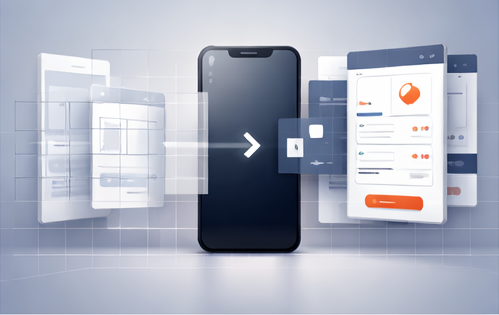
Prototyping is where product clarity is created. The faster you can visualize screens, the faster you can align stakeholders, test flows, and move into development. A “68-in-1” UI kit bundle is essentially a prototyping accelerator—a library of reusable screens and patterns across many app categories.
What makes a prototyping kit “ultimate”
- Coverage: multiple niches so you’re not stuck with one style.
- Reusable patterns: auth, onboarding, dashboards, lists, cards, checkout.
- Consistency potential: components and spacing that can be standardized.
- Presentation-ready screens: helps you sell the concept quickly.
How to use a multi-kit bundle without messy design
The risk with “mega bundles” is mixing styles. Here’s the solution: treat it like a pattern library.
- Pick one kit as your visual baseline (type, color, component style).
- Borrow patterns from other kits (not entire UI themes).
- Normalize buttons/inputs/cards to match your baseline.
- Keep flows tight: fewer steps, clearer CTAs, obvious navigation.
Get the 68-in-1 bundle
To access the full bundle and use it as your prototyping foundation:
Buy Now on Etsy — 68-in-1 Mobile UI/UX Kit Bundle
Prototype quality checklist
- Flow clarity: user always knows what to do next
- Hierarchy: primary action stands out, secondary actions are subtle
- Consistency: components behave the same everywhere
- States: include loading, empty, success, and error states
- Real content: replace lorem ipsum for better usability tests
FAQ
Is this bundle only for prototypes?
No—teams often use UI kits for production, but you should adapt screens to your product requirements and platform guidelines.
How do I avoid looking like a template?
Change typography, icon style, spacing rhythm, and micro copy. Most “template feel” comes from default colors and generic text.
Can this help with user testing?
Yes. A polished prototype increases test validity because users focus on the flow rather than getting distracted by rough visuals.
Takeaway: the “ultimate” value here is range—one purchase covers many niches so you can prototype faster across different app ideas and client briefs.