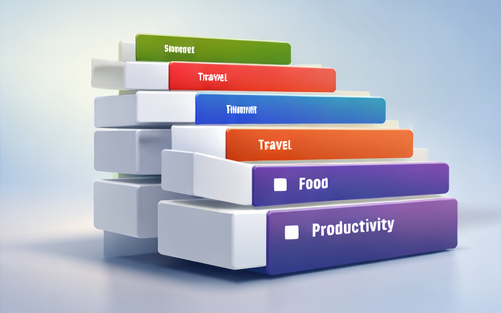

When you build apps regularly, you start noticing a pattern: the same UI structures repeat across industries. Lists, detail views, checkout flows, booking calendars, dashboards, and profiles show up everywhere. A complete UI library helps you reuse those patterns instead of recreating them each time.
What a “UI library” really means
A UI library is not just “pretty screens.” It’s a set of repeatable building blocks:
- Navigation patterns (tabs, drawers, bottom sheets)
- Core components (buttons, inputs, chips, cards)
- Screen structures (lists, detail pages, dashboards)
- Common flows (onboarding, auth, booking, checkout, profile)
Categories covered (examples)
This bundle is positioned as multi-niche. Examples of common categories you can adapt:
- Ecommerce: product cards, category browsing, cart, checkout
- Health: appointments, reminders, trackers
- Travel: booking flows, itineraries, maps, confirmations
- Food delivery: restaurants, menus, ordering, delivery tracking
- Productivity: tasks, calendars, projects, meetings
Buy the UI library bundle
If you want a broad library that covers many app patterns, here is the listing:
Buy Now on Etsy — 68 Mobile UI Library Bundle
How to get the most value from a UI library
- Build your component set first (buttons, inputs, cards).
- Choose one baseline style and reuse it across projects.
- Create “starter flows”: onboarding/auth + main feature + settings.
- Maintain consistency rules: spacing, typography, icon usage, corner radius.
- Measure outcomes: faster approvals, fewer revisions, shorter delivery cycles.
FAQ
Is this good for building multiple apps?
Yes—multi-niche libraries shine when you build many projects, because they reduce the need to search for new templates for each category.
Will my apps look the same?
Not if you apply different branding and tailor flows to each product. The library provides patterns; your product decisions create uniqueness.
Can I share the files with my team?
Follow the license terms on the listing. Many products allow team usage but prohibit re-uploading or reselling the source files.
Practical takeaway: the best UI libraries reduce decision fatigue—so you can focus on UX, content, and product clarity.