
SaaS design is not just “pretty screens.” A successful SaaS needs:
- a high-converting landing page,
- a consistent app experience, and
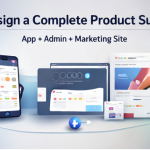
- a powerful admin/dashboard surface for analytics and operations.
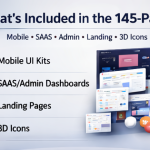
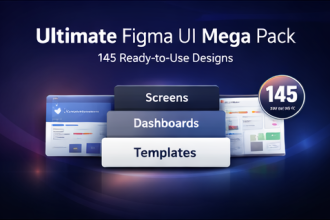
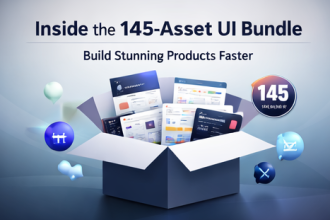
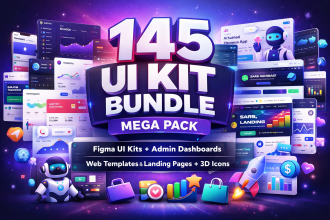
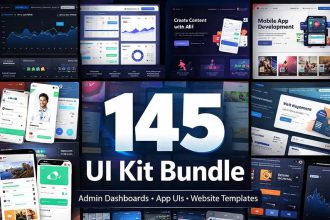
The 145 UI Kit Bundle Mega Pack was curated with SaaS realities in mind—combining admin dashboards, landing page/website templates, mobile UI kits, and 3D icon packs across modern niches such as AI tools, fintech, HR, e-commerce, productivity, and more.
Table of Contents
- What SaaS teams need from UI kits
- Dashboard coverage that matters
- Landing pages that convert
- How to use this pack for a SaaS launch
- FAQ
What SaaS teams need from UI kits
In SaaS, speed and consistency matter more than novelty. A good bundle should provide:
- Clear dashboard patterns: tables, filters, cards, charts, and states.
- Operational screens: users, billing, support, settings, roles.
- Marketing layouts: feature sections, pricing, testimonials, FAQ.
- Design flexibility: styles that match different brands (minimal, futuristic, glassmorphism).
Dashboard coverage that matters
The listing describes admin dashboard kits spanning analytics, ad campaigns, ticketing/helpdesk, invoicing/widgets, sales panels, HR workflows, e-commerce management, travel/hotel dashboards, real estate, weather dashboards, and more. That breadth is useful because SaaS products often evolve into adjacent modules over time.
Landing pages that convert
The bundle also includes landing page/website templates for SaaS, AI tools, SEO tools, agencies, coaching themes, and digital product presentations. That means you can align marketing visuals with the product UI—key for trust and conversion.
How to use this pack for a SaaS launch (practical steps)
1) Choose your brand direction
Select one style from the pack (minimal, futuristic, or glassmorphism). Define a simple token set: primary color, neutral scale, typography sizes.
2) Build your “Core 7” SaaS screens
- Dashboard overview
- Users / customers table
- Billing / payments
- Settings
- Support / ticketing
- Analytics view
- Onboarding / empty states
3) Launch with a matching landing page
Use the included landing templates to create your marketing site with consistent styling. Add a pricing section, FAQ, and testimonial block for credibility.
4) Extend into niches
As your SaaS expands, you can leverage niche UIs (e.g., HR, e-commerce, travel workflows) to build modules faster.
FAQ
Is it a digital product?
Yes—digital and available via instant download after purchase confirmation.
Can agencies use it for client work?
Yes, for client work and projects. Do not resell or redistribute the original files as-is.
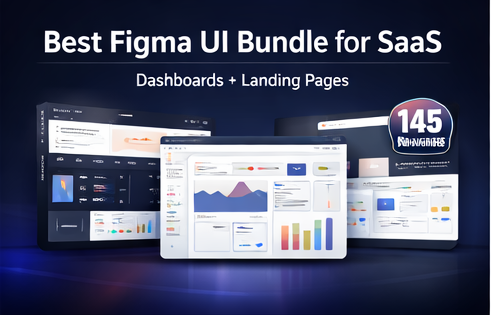
If you’re building SaaS: you need more than a single UI kit. You need a library that covers landing pages + dashboards + product screens. That’s the value of a 145-resource mega pack.