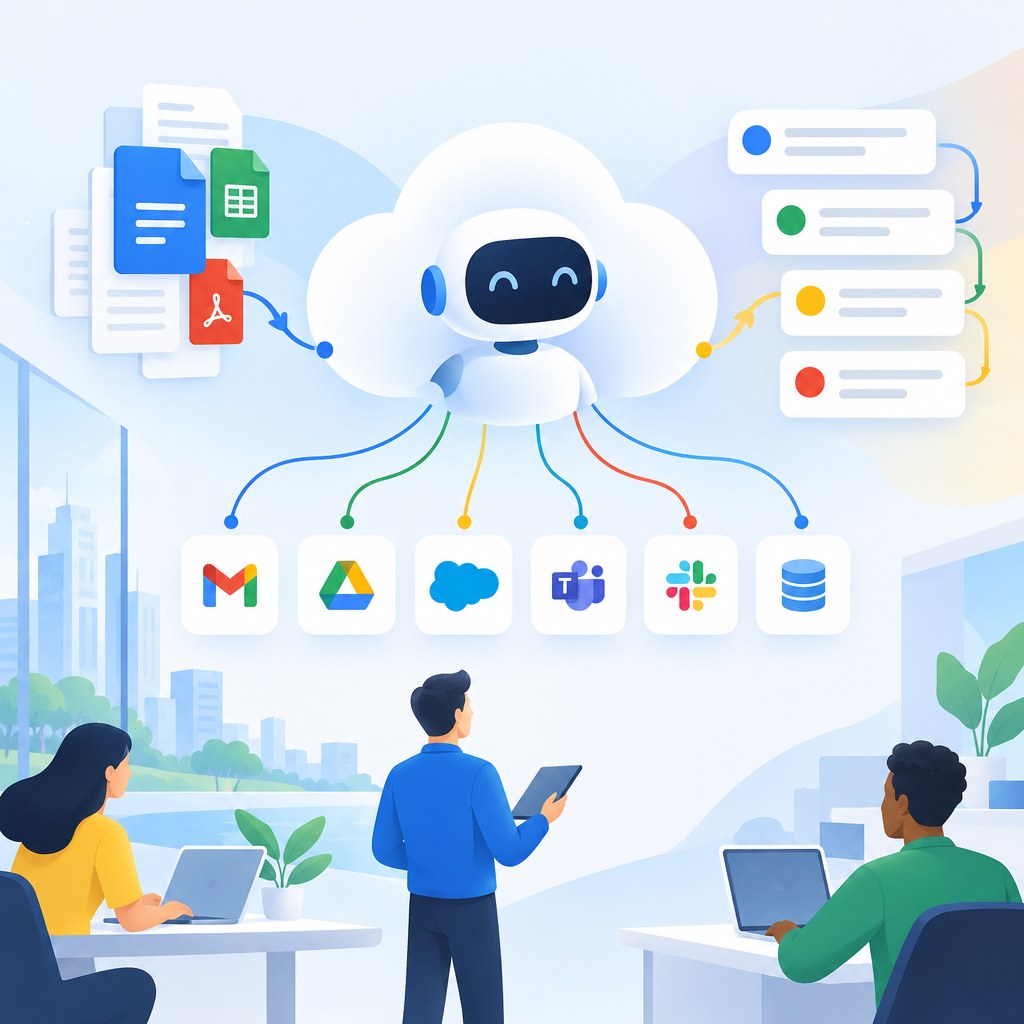
Updated October 12, 2026. Google Cloud announced the Gemini agent at Gemini at Work 2026. Here is how it connects enterprise context, models and tools to complete tasks.
Google unveils an agent for work
At its Gemini at Work event on October 8, 2026, Google Cloud introduced the Gemini agent, describing it as a universal agent for work. Instead of asking employees to switch continuously between systems, the product aims to make a single prompt a starting point for knowledge work, document creation, coding and follow-through. The announcement emphasizes connections to an organization’s context and existing tools, alongside model choice and governance controls.
How an enterprise agent differs from a chatbot
A typical chatbot answers a question using the information available in its conversation. A work agent goes further: it plans steps, chooses appropriate tools, works with permitted business systems and returns a result in the applications people use. For instance, a request to prepare a project update may involve gathering relevant internal information, organizing it into a document and identifying missing decisions. The agent still needs correctly scoped permissions, reliable connectors and human review for irreversible actions.
The role of organization context
Useful enterprise answers require more than generic internet knowledge. Policies, past decisions, customer records and project documents can change what the correct recommendation is. Google says Gemini agent can use business context to support answers and actions. For organizations, this makes identity management, permission inheritance, data quality and audit logs essential. An agent that can retrieve the wrong confidential file is a security problem even when its written answer sounds plausible.
Model routing and cost controls
Google says the system chooses a model based on the task and includes cost controls. That is important because not every routine lookup needs an expensive reasoning process. Teams should evaluate cost per completed workflow rather than price per individual model request alone. A cheaper model that requires repeated retries may cost more in practice. Administrators also need to monitor token use, external-tool calls, latency, rate limits and the financial impact of long-running multi-step tasks.
What companies should evaluate
Start with a narrow workflow such as internal document search or creating a first draft of a meeting summary. Define a clear success measure, map every data permission, test incomplete or contradictory inputs, and compare the output with work completed by a human. Add approvals before modifying records or contacting customers. Only after these checks should an organization give an agent broader capabilities. The real benchmark is dependable completed work, not an impressive demonstration.
Frequently asked questions
Is Gemini agent just the Gemini chatbot? No. Google positions it as a work agent connected to tools and enterprise context.
Does it eliminate approvals? No. Business workflows should retain oversight for sensitive actions.
What should IT teams test? Permissions, traceability, output quality, latency and operating cost.
Source and further reading
This report is original SenseCentral analysis of the primary announcement or study summary. Dates and reported figures are attributed to the source; interpretations are identified as analysis.