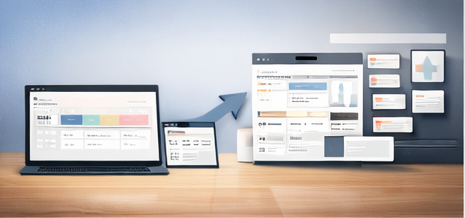

A “Business OS” is a single workspace where your projects, clients, operations, content, and finances live together. When it’s done right, you spend less time searching and more time executing.
Contents
The core modules of a Business OS
- Projects: delivery timelines, milestones, deliverables
- Tasks: daily execution and priorities
- CRM: client info, leads, pipeline stage
- Operations: SOPs, workflows, checklists
- Finance: invoicing tracking, expenses, subscriptions
- Content: calendar, ideas bank, publishing tracker
A simple implementation plan
- Duplicate the business dashboard.
- Import active clients and projects.
- Create one weekly review ritual (Monday or Sunday).
- Add one content workflow if marketing matters for you.
Build a Business OS faster
This 142-template bundle includes business/freelance systems plus finance, productivity, and content workflows.
FAQ
Is Notion enough for a business?
For many solo founders, freelancers, and small teams—yes. You can manage workflows, planning, and tracking in one place.
Will it work for different business types?
Yes. The templates are flexible—rename fields, adjust stages, and customize dashboards to your niche.
Closing
If you’re running a business with scattered tools, a Notion Business OS can be a major simplifier. Start with core modules and expand only when needed.