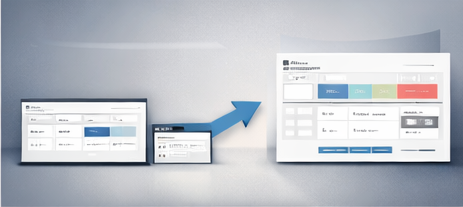

If you want organization without spending your weekend building databases, a done-for-you Notion setup is the most practical option. You duplicate a dashboard, plug in your life details, and start using it the same day.
Contents
What “done-for-you” should include
- Ready dashboards for personal/work/student use
- Reusable trackers (habits, expenses, study, content)
- Business tools (projects, CRM, invoicing tracking, SOPs)
- A simple duplication process and beginner-friendly setup
Your Day-1 plan (30 minutes)
- Duplicate a main dashboard.
- Write your top 3 priorities for the week.
- Add 10 tasks (only what matters).
- Set up one tracker: expenses OR habits.
Instant setup option
Duplicate the full Notion Ultimate Bundle (142 Templates) and start with only the templates you need today.
How to keep it clean long-term
- Create an “Archive” page and move unused templates there.
- Keep one dashboard as the only “daily entry point.”
- Weekly review (15 minutes): clean inbox, plan week, close loops.
FAQ
Is it okay to use only a few templates?
Yes. That’s the smart approach. Your system grows as your needs grow.
Will it work for students and professionals?
Yes—use the dashboard that matches your current life stage and ignore the rest for now.
Closing
Done-for-you doesn’t mean “no thinking.” It means you skip the build phase and focus on using a system that’s already structured.