Design speed is a competitive advantage. Whether you’re a solo founder, a UI/UX designer, or an agency, you win by iterating faster and presenting cleaner concepts with less friction.
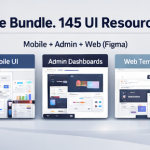
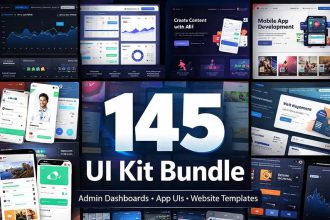
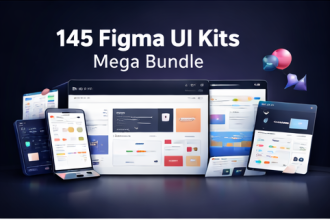
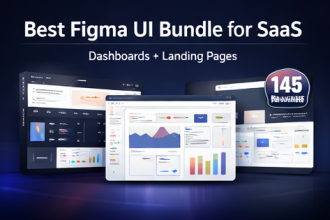
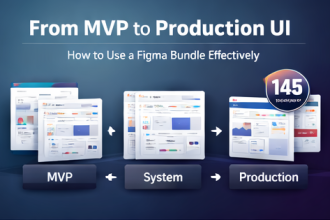
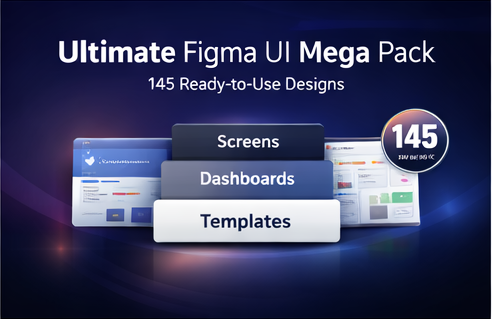
The 145 UI Kit Bundle Mega Pack is a curated library of mobile app UI kits, admin dashboards, landing pages/website templates, and 3D icon packs—spanning multiple high-demand niches—so you can move from idea to polished interface without rebuilding everything from scratch.
Quick Navigation
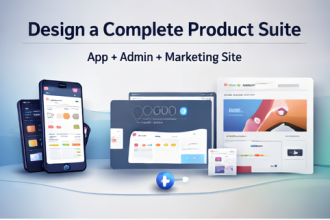
Why a mega pack beats single templates
- Consistency across surfaces: app + dashboard + landing page can share a visual language.
- Faster exploration: you can test multiple directions quickly (minimal, futuristic, glassmorphism).
- Better ROI: a multi-niche library reduces future template purchases.
What’s covered inside the 145-pack
The bundle includes 145 design resources across mobile UI kits, admin dashboards, landing/website templates, and 3D icon packs. It’s built for categories such as AI tools, fintech, crypto, health, fitness, e-learning, travel, HR/jobs, e-commerce, news, productivity, and more.
Mobile UI kits
Useful for MVP screens, onboarding, profiles, listings, content feeds, checkout flows, and app-specific experiences across multiple niches.
Admin dashboards
Designed for SaaS and operational tools: analytics panels, ad/campaign manager dashboards, helpdesk/ticketing systems, invoicing and widgets, e-commerce management, HR management, travel/hotel dashboards, and more.
Landing pages & website templates
Conversion-friendly layouts for SaaS tools, agencies, AI products, SEO tools, coaching, and digital products.
3D icon packs
Great for feature sections, hero blocks, and modern product branding.
3 workflows to get value immediately
Workflow 1: Rapid prototype sprint (60–120 minutes)
- Pick one kit closest to your niche.
- Replace text, colors, and imagery with your brand basics.
- Build a clickable prototype for core screens (home, detail, checkout/profile).
Workflow 2: Pitch deck visuals (same day)
Use dashboard screens for “product credibility” slides, then pair a matching landing page layout for your go-to-market story. You’ll look more “real” to stakeholders with minimal effort.
Workflow 3: Portfolio upgrade (weekend project)
Select a niche you want to attract (e.g., fintech or AI tools), craft a mini case study, and present polished screens plus an admin view. This kind of end-to-end UI story stands out.
FAQ
Is this bundle only for designers?
No. Developers and founders benefit by using production-grade UI references and saving time on screen planning.
Is it a digital download?
Yes—this is a digital item with instant download after purchase confirmation.
Can I use it for client projects?
Yes, for projects and client work. Do not resell or redistribute the original files as-is.
Bottom line: If you want a single library that helps you design faster across mobile, dashboard, and marketing pages, this is built for speed and breadth.