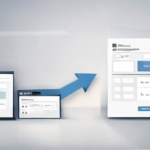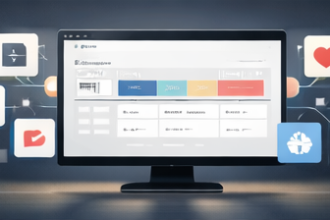

The best Notion systems share one trait: they’re minimal at the start and scalable later. A bundle should feel clean on day one and still support you six months from now when your workload expands.
Contents
Minimal: what you should see daily
- Today’s tasks
- This week’s priorities
- Active projects
- Quick capture (notes/ideas)
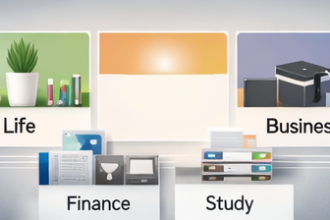
Scalable: what you can add over time
- Finance tracking (expenses, budgets, subscriptions)
- Content planning (calendar, posting tracker, idea bank)
- Business operations (CRM, SOPs, pipelines)
- Study systems (assignment tracking, exam prep, revision)
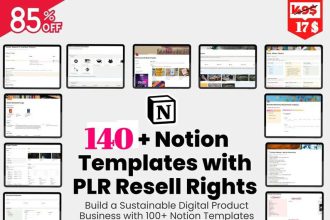
Ready-to-duplicate option: get the 142-template bundle and build a minimal workspace first—then scale using the included categories.
A simple scaling plan
- Week 1: Home dashboard + tasks + projects
- Week 2: Add finance tracker
- Week 3: Add habit or study tracker
- Week 4: Add content or business workflows (if needed)
FAQ
Will I feel overwhelmed by 142 templates?
Not if you archive most of them. Start minimal and add only when needed.
Can I duplicate templates multiple times?
Yes—reuse monthly/quarterly systems by duplicating again.
Closing
Minimal gets you started. Scalable keeps you growing. A well-structured bundle supports both—without the setup headache.